
Last Updated: June 22, 2026
Introduction
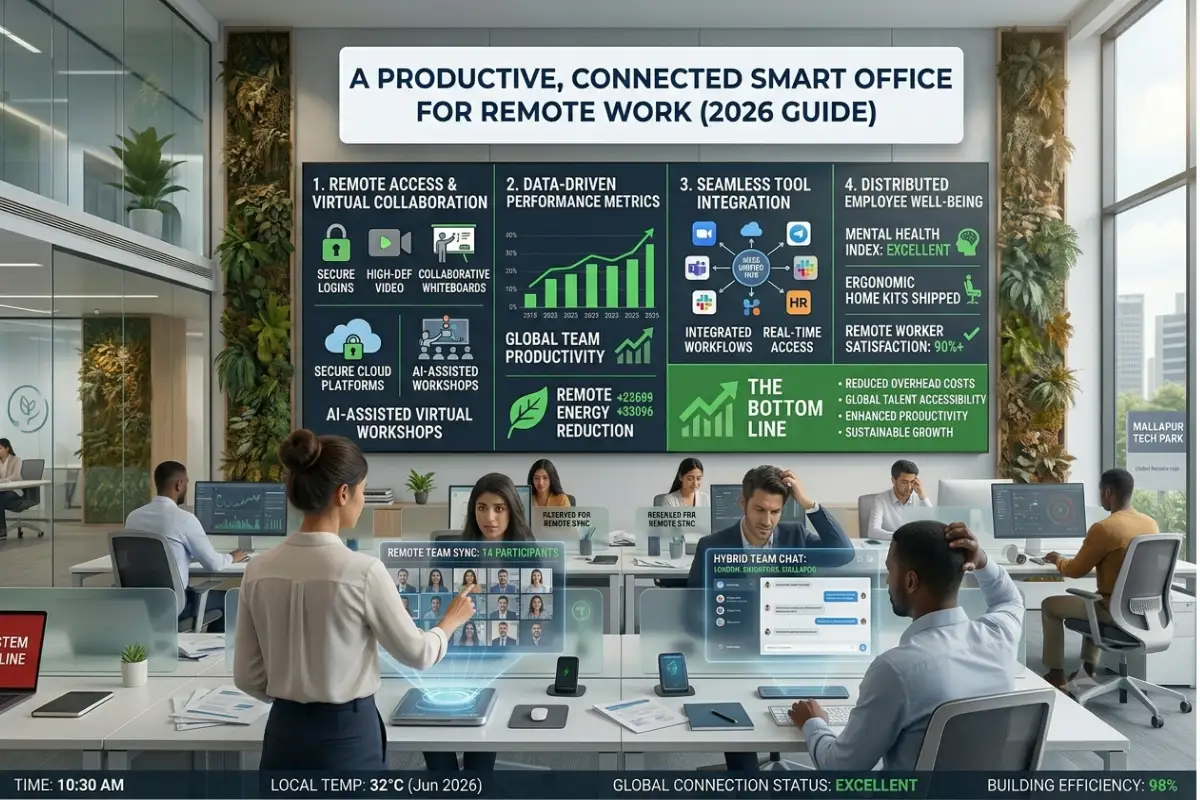
Remote work is not a thing anymore it is now a regular part of how businesses operate. By the year 2026 companies around the world are using remote work and hybrid models which means they need smart office technologies to help people work better collaborate with each other stay safe and be happy at work.
According to studies about workplaces than sixty percent of people who do knowledge work spend at least some time during the week working from outside the office. Companies that invest in office solutions see improvements in how well their employees work how well they communicate with each other and how flexible their operations are.
These days a smart office is not about the office building where a company is located. Intelligent office technologies are now implemented not only in home offices but in shared workspaces and any other areas where employees perform their duties remotely. Employees can employ intelligent assistants, intelligent lighting solutions, collaborative tools, and automatic security measures. These are things that used to be available, in big company offices.
This guide will provide you with all the information required to build a truly efficient remote office in the year 2026.
Remote-work tips from our smart office guide.
What Is a Smart Office for Remote Work?
A smart office for work is a place where lots of things are connected. It has devices that can talk to each other automation that makes things easier intelligence that helps us cloud platforms that store our stuff and smart networking technologies that make everything work together.
The goal of an office, for remote work is simple:
- Increase productivity
- Reduce distractions
- Improve collaboration
- Enhance security
- Support employee wellness
- Automation of repetitive tasks
Contrary to regular home offices, smart offices constantly adjust themselves according to users’ actions and automatically optimize working environment.
Why Smart Offices Are Needed More Than Ever in 2026
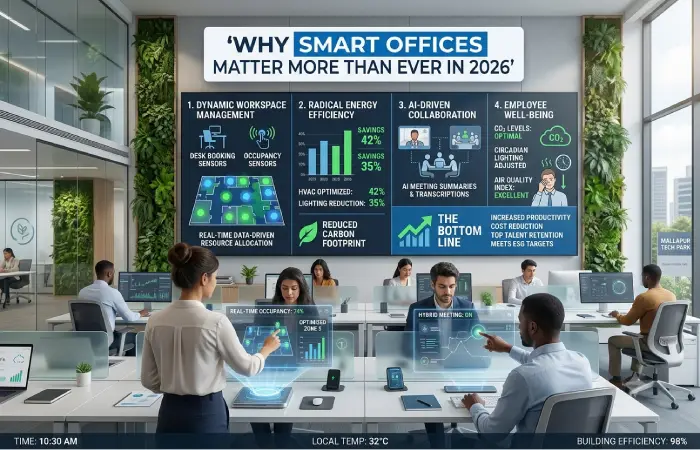
A number of workplace trends make implementation crucial.
| Trend | Impact on Remote Work |
| Hybrid Work Growth | Employees split time between home and office |
| AI Integration | Automation improves productivity |
| Global Teams | Need for seamless collaboration |
| Cybersecurity Risks | Increased demand for secure remote work |
| Employee Wellness Focus | Better work-life balance tools |
| Cloud-Based Operations | Work from anywhere capability |
Businesses are finding out that people who work from home need the kind of tools that they would have in an office, which is why Cloud-Based Operations are important.
Smart Office Market Growth in 2026
Global Smart Office Market Comparison
| Year | Market Value |
| 2022 | $42 Billion |
| 2023 | $48 Billion |
| 2024 | $56 Billion |
| 2025 | $65 Billion |
| 2026 | $77 Billion (Estimated) |
The continued growth reflects increasing investments in workplace automation and remote work infrastructure.
Benefits of a Smart Office for Remote Workers
Increased Productivity
Automation gets rid of routine tasks. This helps you focus on important things. Automation also reduces interruptions.
Examples include:
- Automated scheduling
- AI meeting summaries
- Smart notifications
- Workflow automation
Many remote workers save several hours weekly using smart office setup tools.
Better Focus
Smart environments reduce distractions through:
- Noise cancellation
- Focus lighting
- Smart temperature control
- Automated “Do Not Disturb” modes
Improved Collaboration
Remote teams depend heavily on communication technologies.
Smart office systems provide:
- Real-time collaboration
- AI meeting assistants
- Smart whiteboards
- Instant file sharing
Enhanced Security
Remote work introduces cybersecurity challenges.
Smart office security solutions include:
- VPNs
- Multi-factor authentication
- Smart locks
- Network monitoring
- AI threat detection
Health and Wellness Support
Modern smart offices help maintain employee well-being through:
- Ergonomic monitoring
- Smart standing desks
- Air quality sensors
- Circadian lighting systems
Best Smart Office Devices for Remote Workers
The things to use at your desk are really important, for getting work done when you work from home.
Smart Standing Desk
Benefits:
- Improved posture
- Reduced back pain
- Increased movement
Features to look for:
- App control
- Memory presets
- Health tracking
Smart Monitor Lighting
Benefits include:
- Reduced eye strain
- Better video call appearance
- Improved concentration
Popular features:
- Adaptive brightness
- Color temperature adjustment
- Voice control
AI-Powered Webcam
Ideal for:
- Remote meetings
- Client presentations
- Team collaboration
Features:
- Auto framing
- Background blur
- Facial tracking
Smart Speaker Assistant
Useful for:
- Scheduling
- Reminders
- Device control
- Task management
Smart Air Quality Monitor
Healthy workspaces improve productivity.
Monitors track:
- CO2 levels
- Humidity
- Temperature
- Air pollutants
Best Smart Office Tools for Freelancers
Integrated ecosystems are more valuable for freelancers than standalone apps.
Tool Comparison Table
| Category | Purpose | Key Benefit |
| Project Management | Task organization | Better workflow |
| AI Writing Tools | Content creation | Faster production |
| Accounting Software | Financial tracking | Time savings |
| Smart Scheduling Apps | Appointment management | Reduced admin work |
| CRM Systems | Client management | Better relationships |
Freelancers often gain the most value from integrated ecosystems rather than standalone applications.
How to Make a Smart Home Office
A smart office doesn’t need an extensive budget to be made.
Step 1: Improve Internet Access
Reliable connectivity is critical.
Recommended specifications:
| Usage Type | Minimum Speed |
| Basic Work | 100 Mbps |
| Video Meetings | 200 Mbps |
| Content Creation | 500 Mbps |
| Multiple Users | 1 Gbps |
Step 2: Create a Smart Network
Include:
- Mesh WiFi
- Quality router
- VPN protection
- Guest networks
A strong network supports every connected device.
Step 3: Optimize Light
Install intelligent lighting systems that will change throughout the day.
Benefits:
- Better focus
- Reduced fatigue
- Improved sleep cycles
Step 4: Add Voice Automation
Examples include:
- Meeting reminders
- Calendar management
- Device control
Voice automation helps eliminate repetitive actions.
Step 5: Optimize Ergonomics
Invest in:
- Adjustable desk
- Ergonomic chair
- Monitor arms
- Footrests
Comfort directly affects productivity.
Boost output with our productivity and AI guide.
Smart Hybrid Office Setup Guide
Hybrid workers need seamless transitions between locations.
Essential Hybrid Workspace Components
| Component | Home | Office |
| Cloud Storage | Yes | Yes |
| Smart Calendar | Yes | Yes |
| Collaboration Platform | Yes | Yes |
| Video Conferencing Tools | Yes | Yes |
| Secure VPN | Yes | Yes |
The objective is to create a consistent experience regardless of location.
Artificial Intelligence in a Smart Remote Office
Artificial intelligence changes the face of modern work.
Key applications include:
AI Scheduling
Automatically:
- Books meetings
- Resolves conflicts
- Optimizes calendars
AI Meeting Assistants
Functions include:
- Note-taking
- Transcriptions
- Action item generation
AI Workflow Automation
Automates:
- Repetitive tasks
- Reporting
- Data entry
- Notifications
AI Productivity Insights
AI can identify:
- Peak focus periods
- Meeting overload
- Workflow inefficiencies
Remote Team Smart Office Solutions
Organizations managing distributed teams require enterprise-grade tools.
Essential Solutions
Collaboration Platforms
Enable:
- Messaging
- Video calls
- File sharing
Smart Project Management
Provides:
- Task visibility
- Resource allocation
- Workflow tracking
Digital Whiteboards
Support:
- Brainstorming
- Planning
- Team workshops
Smart Scheduling Systems
Reduce coordination challenges across time zones.
Smart Office Security for Remote Workers
Security remains a top concern.
Most Common Threats
| Threat | Risk Level |
| Phishing | High |
| Weak Passwords | High |
| Public WiFi | High |
| Malware | Medium |
| Data Leakage | High |
Security Best Practices
Use Multi-Factor Authentication
Adds additional protection beyond passwords.
Enable VPN Protection
Encrypts remote traffic.
Update Devices Regularly
Security patches reduce vulnerabilities.
Secure Smart Devices
Every connected device should have:
- Strong passwords
- Firmware updates
- Network isolation
Smart Office Automation Ideas
Automation significantly boosts efficiency.
Examples include:
Morning Startup Routine
Automatically:
- Turns on lights
- Starts workstation
- Displays calendar
- Adjusts temperature
Meeting Mode
Can automatically:
- Activate webcam
- Enable focus lighting
- Silence notifications
The End-of-Day Routine
Automatically:
- Backup files
- Lock devices
- Turn off equipment
Smart Office Costs in 2026
Budget Comparison
| Setup Type | Cost Range |
| Basic Smart Office | $300–$700 |
| Intermediate Setup | $700–$2,000 |
| Smart Office Workspace Advanced Level | $2,000-$5,000 and up |
In addition to increased efficiency, companies recover money spent on the purchase by reducing operational costs.
Common Smart Office Mistakes
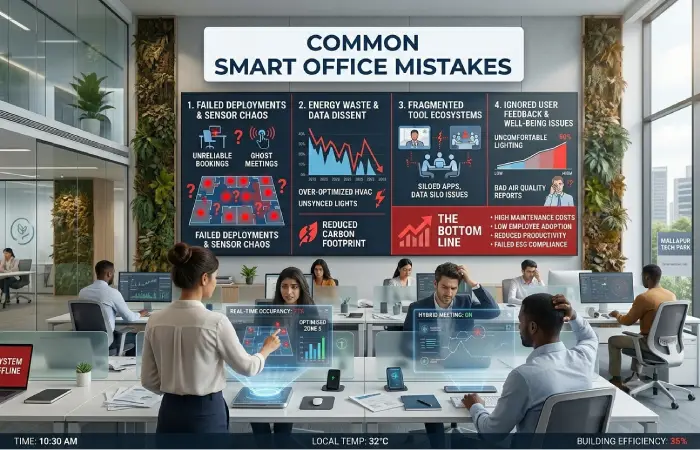
Avoid these issues:
Buying Too Many Devices
Sometimes more technology equals less efficiency.
Ignoring Security
Smart devices require proper protection.
Poor Network Planning
Weak connectivity undermines every smart office tool.
Lack of Automation Strategy
Technology should solve problems, not create complexity.
Protect your data via our security and networking guide.
Future of Smart Offices (2026-2030)
There are several technologies that are going to shape the future of remote work.
AI Co-Workers
Digital assistants capable of handling increasingly complex tasks.
Predictive Work Environments
Offices that automatically adapt based on behavior patterns.
Advanced Wellness Monitoring
Smart systems that optimize:
- Air quality
- Lighting
- Posture
- Break schedules
Immersive Virtual Collaboration
AR and VR technologies will create more engaging remote work experiences.
Autonomous Workplace Management
AI systems will independently manage many operational workflows.
FAQ
What is a smart office for remote work?
A smart office integrates technology, automation, AI, and cloud solutions to enhance efficiency, collaboration, and security in remote work environments.
How much do you need to invest in building a smart home office?
The average cost of setting up a smart office for most remote workers will be in the range of $700-$2,000.
Which smart office device is most important?
A reliable network and quality workstation remain the most critical components.
Are smart offices secure?
Yes, when protected with VPNs, strong authentication, encrypted connections, and updated devices.
Is a smart office worth it for freelancers?
Absolutely. It helps automate boring tasks and improves client management and billing time.
Conclusion
The office for people who work from home is really important for our jobs now. As more companies let people work from home and the office in 2026 using technologies can really help people get more work done work better with others be safer and be happier.
Whether you work for yourself and are making an office at your house you work from home. Want to focus better or you are a company with people working from different places having the right things, like smart devices, tools that use artificial intelligence, systems that automate tasks and a safe internet connection can really change how we do our jobs.
The place where we work in the future is not one place. It is a system that is connected to the internet and it goes with you wherever you work.