
Last Updated: August 31, 2026
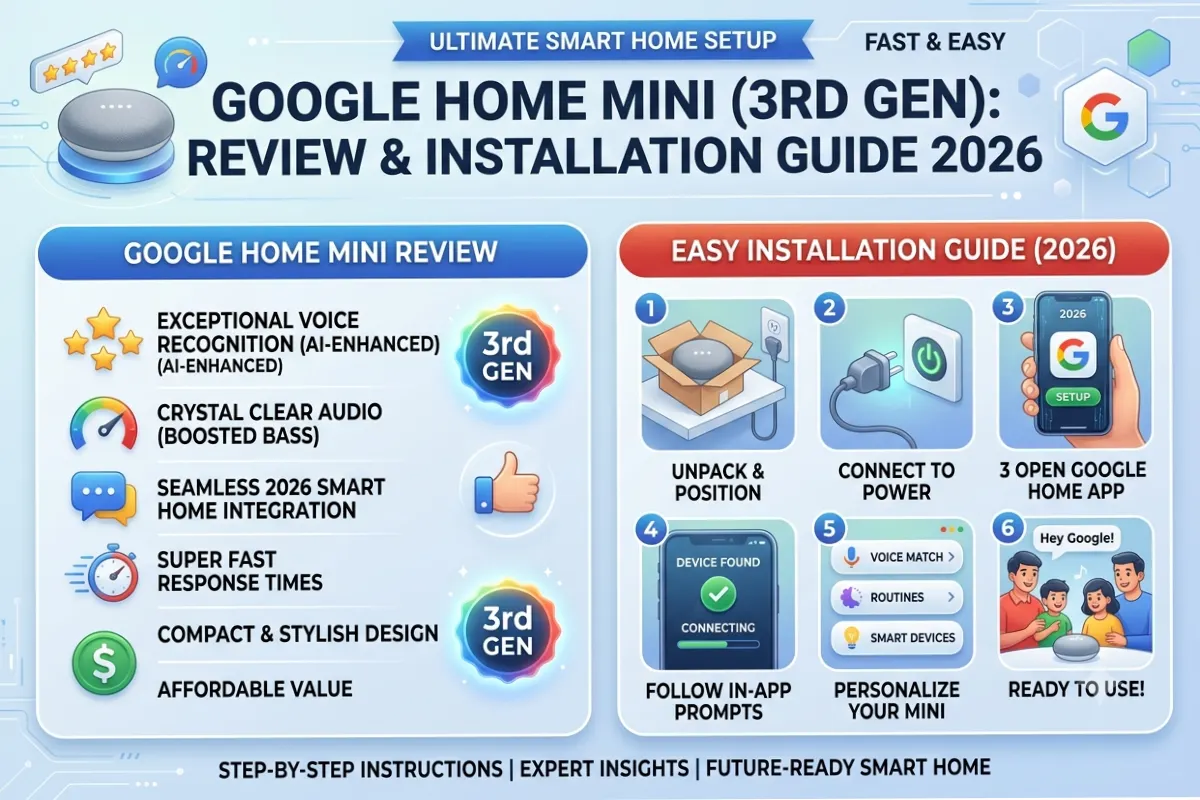
Even with the introduction of new devices like Nest Mini by Google, the Google Home Mini remains among the best-selling smart speakers several years after its launch. You will find many people using this device at their homes for voice commands, playing their favorite music, managing their smart homes, and using Google Assistant.
If you have the Home Mini or plan to buy it in 2026, then this guide will be useful for you. From its functions to installation and useful commands, this guide compares it with the Nest Mini and offers some troubleshooting advice.
Google Home Mini – What It Is
The Google Home Mini is one of the smallest speakers from Google with the capability to interact using the Google Assistant. Although small, the device does quite a number of jobs including responding to inquiries, controlling smart home devices, streaming favorite music, setting reminders, calendar activities among many others through voice interactions.
Being made of fabric materials, it can easily fit into any interior.
Although Google officially discontinued it in favor of the new Nest Mini, the Home Mini is still supported by Google Home system.
Google Home Mini Specifications
The Google Home Mini prioritizes user-friendliness rather than quality audio. The device is very effective in voice interaction and integration with Google devices.
Features
- Built-in Google Assistant
- Voice-controlled smart home management
- Wi-Fi connectivity
- Bluetooth speaker support
- Multi-room audio
- Chromecast compatibility
- Personalized responses for multiple users
- Voice Match support
- Hands-free calling in supported regions
- Timers, alarms, reminders, and calendar management
The microphones work surprisingly good for voice commands recognition even if there is music going on.
Specifications
| Feature | Google Home Mini |
| Voice Assistant | Google Assistant |
| Connectivity | Wi-Fi, Bluetooth |
| Power | External adapter |
| Audio | Single speaker |
| Microphones | Far-field voice recognition |
| Smart Home Support | Thousands of compatible devices |
| Multi-user Support | Yes |
| Chromecast Support | Yes |
| Multi-room Audio | Yes |
The sound of the device isn’t very good, but still is decent enough to listen to music, podcasts, news, etc.
Design and Build Quality
The Google Home Mini has an elegant design that looks like a simple black circle covered with durable fabric.
Touch-sensitive buttons help to turn the volume on/off or pause the track without giving voice commands. There are some LED lights on the top to show that Google Assistant is working.
It is also possible to wall-mount this speaker thanks to third-party accessories that will be useful if your kitchen or workspace does not have enough counter space.
The small design makes it possible to put several Home Minis all over your house to control it by voice.
Audio Performance
The Google Home Mini was never created as a substitute for Bluetooth speakers. Its focus lies on good voice response and convenience.
The quality of the sound when reproducing the background music, podcasting, listening to audiobooks and news broadcasting is quite decent.
Yet, due to the limited size of the driver, the bass is not strong enough, and high sound level might cause distortion. The users who are dissatisfied with the sound quality link their Google Home Mini to the Bluetooth or Chromecast speakers.
Still, no matter what aspect we speak about, highly-sensitive microphones should be considered the key feature of this device.
Steps for Setting Up Google Home Mini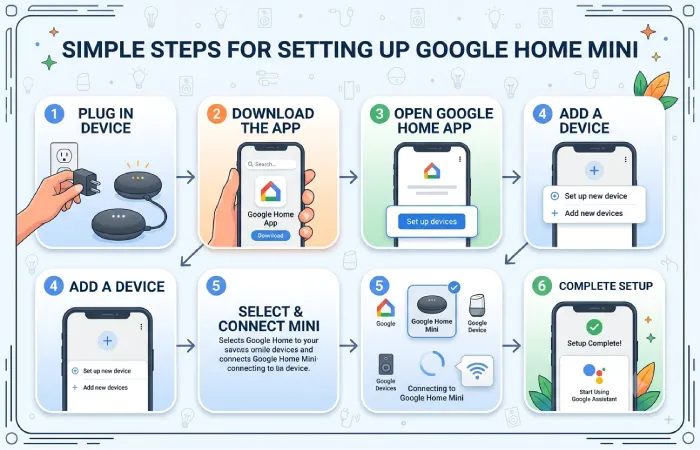
Setting up Google Home Mini will not take you more than 10 minutes.
Step 1: Connect the Device
Connect the power supply cable provided with your device.
Step 2: Download Google Home Application
Install the Google Home application to your Android or iPhone.
Step 3: Log into the Account
Open your Google account.
Connecting through your primary Google account means customization of your calendar, reminders, contacts, and more through the Google Assistant.
Step 4: Creating a Device
In the Google Home application:
- Tap Add Device
- Select your Home Mini
- Confirm the pairing code
- Choose your Wi-Fi network
- Assign a room name
Step 5: Personalize Assistant
Now, you can personalize:
- Voice Match
- Music services
- Preferred news sources
- Default TV
- Smart home devices
- Routines
Once set up, your Home Mini will be ready to process voice commands.
Use Cases for Google Home Mini
Google Home Mini often underestimates the potential of how helpful it turns out after some weeks of usage.
It acts as an assistant that takes care of your day-to-day activities without having to even hold your phone.
Common activities include:
- Checking weather forecasts
- Managing shopping lists
- Setting cooking timers
- Playing relaxing music
- Reading news headlines
- Controlling lights
- Locking smart doors
- Adjusting smart thermostats
- Managing family schedules
- Finding nearby businesses
With its Google Search integration, Google Home Mini becomes very handy for getting factual answers.
Best Google Home Mini Commands
If you know some good commands, it will help you a lot.
| Command | Function |
| “Hey Google, what’s the weather? | ” Weather forecast” |
| “Set a timer for 20 minutes.” | Cooking timer |
| “Switch off bedroom light. | ” Voice Control” |
| “Play relaxing music.” | Music playback |
| “Tell me today’s news.” | News briefing |
| “What’s on my calendar?” | Calendar events |
| “Wake me at 7 AM.” | Alarm |
| “Broadcast dinner is ready.” | Home announcements |
| “How’s traffic?” | Traffic updates |
| “What is the current score of cricket match?” | Sports updates |
Google constantly adds features to Assistant by updating the software, so more voice commands become available.
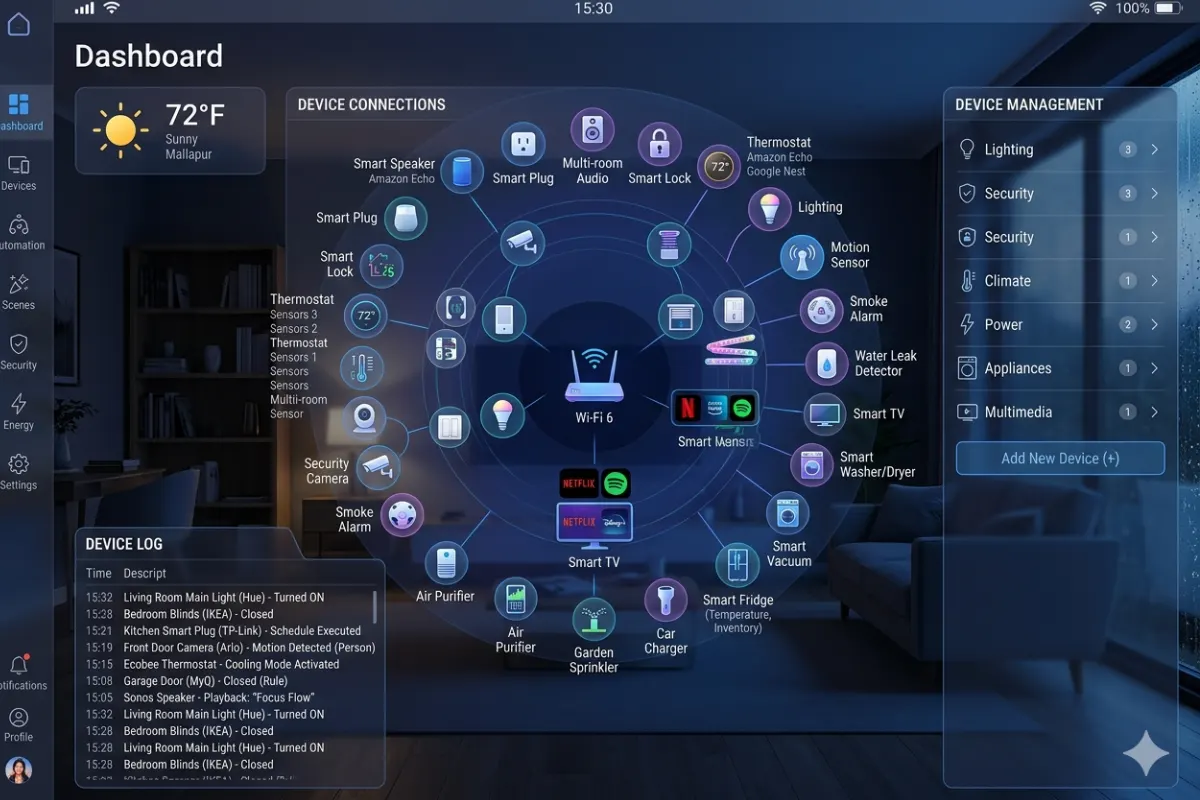
Compatibility with Smart Home Devices
Another advantage of using Google Home Mini is that it works with many smart home devices.
Compatible categories include:
- Smart lights
- Smart plugs
- Security cameras
- Video doorbells
- Smart locks
- Robot vacuums
- Air purifiers
- Thermostats
- Smart TVs
- Streaming devices
You can also create automation routines that trigger multiple devices with a single command.
For example, saying “Good Night” can:
- Turn off lights
- Lock doors
- Reduce thermostat temperature
- Turn off television
- Activate security cameras
This level of automation saves time while making your home more convenient.
Privacy Features
Like any smart speaker, the Google Home Mini continuously listens for its wake words but does not begin processing requests until it hears “Hey Google” or “OK Google.”
Privacy controls include:
- Microphone mute switch
- Voice activity deletion
- Account permissions
- Personalized results settings
- Guest mode options
One can view and delete the voice recordings from the Google account.
Google Home Mini vs Nest Mini
Although they look nearly identical, several improvements were introduced with the Nest Mini.
| Feature | Google Home Mini | Nest Mini |
| Speaker Quality | Good | Better bass and louder sound |
| Processor | Older | Faster |
| Wall Mount | Third-party | Built-in |
| Microphones | Good | Improved voice pickup |
| Assistant Speed | Standard | Faster responses |
| Price (Used/New) | Lower | Slightly higher |
Nest Mini provides much better sound quality and fast response, making it a better choice in the long run.
But Google Home Mini does great work when it comes to providing voice assistance without focusing on sound quality.
So, if you already have Google Home Mini, there is no need for upgrade.
Should I buy Google Home Mini in 2026?
It depends on what you require.
One can easily find the used Google Home Mini, which costs quite cheaply.
It remains suitable for:
- Students
- Bedrooms
- Small apartments
- Home offices
- Guest rooms
- Basic smart home automation
If you are getting started and the prices are roughly the same, it would be a better choice to go for the Nest Mini thanks to its hardware enhancements.
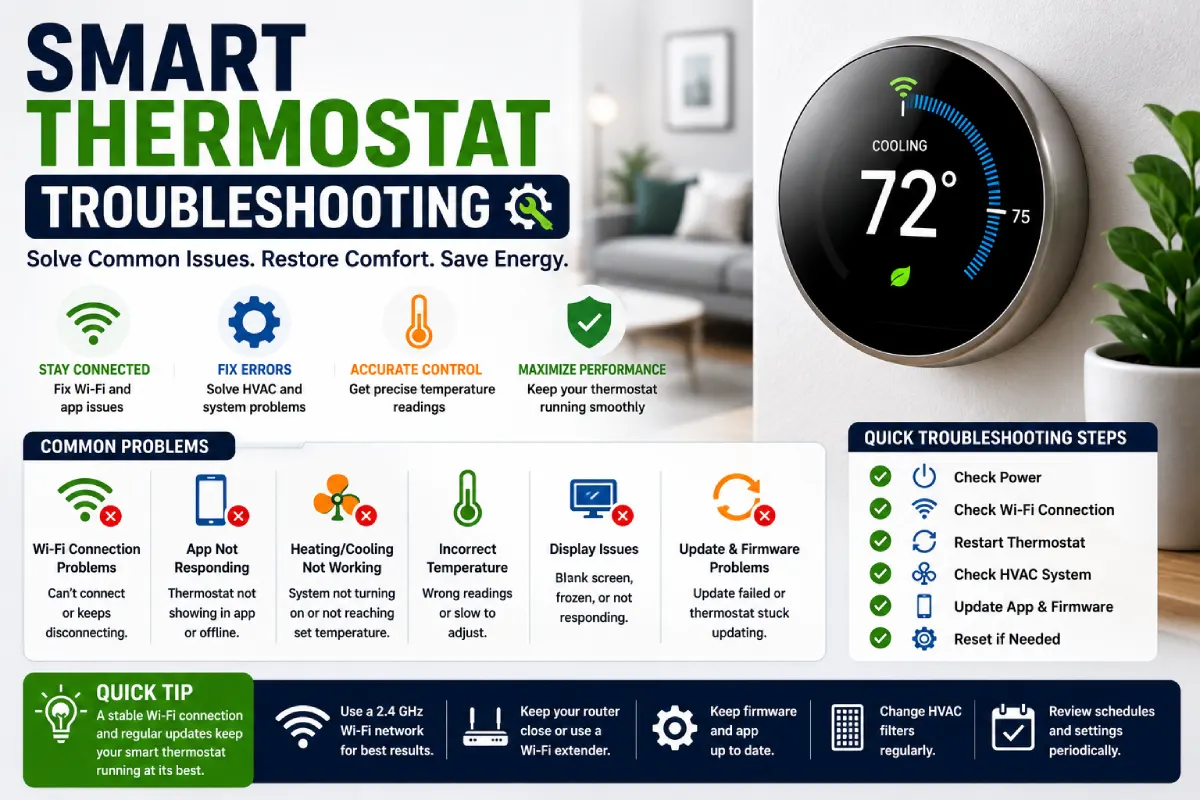
Troubleshooting Google Home Mini
Most of the issues that occur can be solved without buying a new speaker.
Google Home Mini is Not Connecting to Wi-Fi Network
Just reboot your speaker and the router.
In case it doesn’t solve the problem, you need to unpair your speaker from the Google Home app and start the setup again.
Assistant Isn’t Responding
Check if the microphone setting is mistakenly turned off.
Moreover, check if the device has an internet connection.
Music Stops Playing
Disruptions while streaming happen mostly because of unstable Wi-Fi connections.
Placing the speaker nearer to the router is beneficial in most cases.
Device Cannot Be Located in the Google Home App
Make sure that Bluetooth and location permissions are allowed in the smartphone.
Reloading both the phone and Home Mini solves most of the problems of discovering devices.
Voice Recognition Is Not Working
Reprogram Voice Match in the Google Home application.
It should sound natural, and the speaker needs to be kept far from the TV and other noisemakers.
Tips for Making the Most Out of the Experience
Here are some simple things that will allow you to maximize your experience with Home Mini.
Position the speaker in an easily accessible place that allows microphones to hear your speech well. Avoid keeping your device inside the cabinet or hiding it below the furniture.
Develop individual programs in order to perform many tasks at once during routine activities like waking up, working, and sleeping.
Link your preferred music streaming services and calendars while configuring your Assistant in order to get responses tha-t are tailored for you.
Merge several Google Home units in order to enjoy playing music together across the whole house. Lastly, do not forget to update your Google Home application.
FAQS
Can Google Home Mini work without a smartphone?
The only situation where a smartphone is required is when setting up the system. Otherwise, the device functions independently via Wi-Fi.
Is there a possibility that the Google Home Mini supports Bluetooth?
Yes. This device is able to link to Bluetooth speakers as well as take Bluetooth audio from other devices.
Can more than one person make use of Google Home Mini?
Yes. There is Voice Match which enables family members to get personal calendars, reminders, and recommendations.
Is there any safety for Google Home Mini?
There are privacy settings, microphone control and voice activity deletion options provided by Google.
Is it possible to control smart home devices using Google Home Mini?
Yes. The device can connect to more than 3000 smart products such as light bulbs, smart plugs, smart locks, thermostats, cameras and many other devices.
Conclusions
Although the Google Home Mini may not be the newest smart speaker by Google, it still remains an efficient and reliable smart home device. The small size, fast-working Google Assistant, and wide compatibility with all kinds of smart gadgets make it a good option for those who want to control their gadgets using voice and save some money.
Even though there is Nest Mini that performs better in terms of sound and processing speed, Home Mini still works perfectly in relation to voice commands, routines, reminders, music playback, and home automation. If you manage to buy it at a decent price, refurbished version, for example, it will definitely be worth it in 2026.