
Last Updated: September 17, 2026
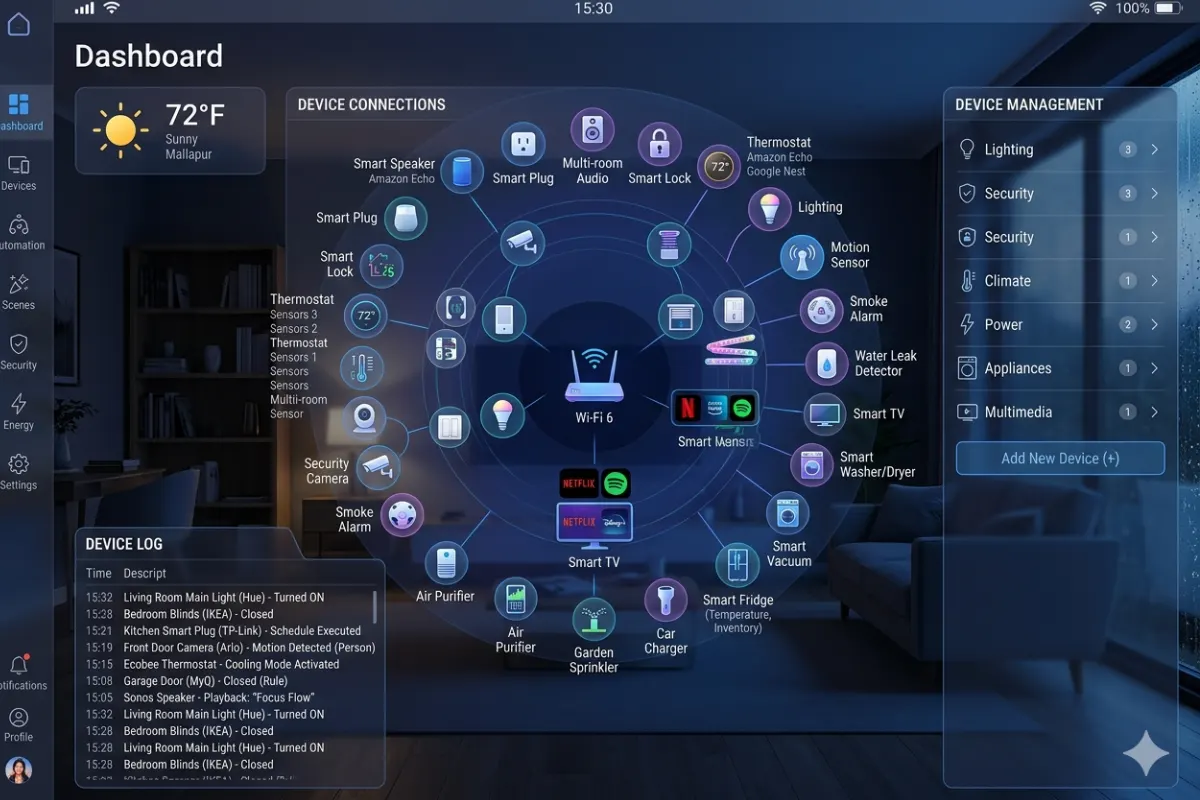
From merely voice-operated light systems to the present day, the smart homes have advanced in terms of lighting, security, climate control, entertainment, and even kitchen appliances that function in perfect harmony with each other. The key element in such a connected environment is a smart home hub, which serves as the link between various smart devices and their smooth operation.
This essay can prove quite helpful if you are considering purchasing a new smart home hub or if you would like to increase the functionality of the existing one.
This guide is part of our complete home automation resource
What Is a Smart Home Hub?
Smart home hub is a centralized system for controlling various smart devices that makes it possible for them to interact with each other. There’s no need to use separate apps for every device but only for a hub instead.
It is like the “brain” of your smart home.
This way, you do not have to launch separate applications to control such smart items as your lights, thermostat, locks, camera, or any other gadgets, but use only one application to control them all while creating advanced automations.
Smart Home Hub Functions
The functions of a smart home hub include:
- Connect devices from different manufacturers
- Enable home automation routines
- Improve device reliability
- Reduce Wi-Fi congestion
- Support local automation even without internet
- Integrate voice assistants
- Centralize device management
For instance, once you open the front door after dark, your smart home hub will automatically:
- Turn on hallway lights
- Adjust the thermostat
- Disable the security alarm
- Play your favorite playlist
- Close smart blinds if they’re open
All of this happens automatically without manually controlling each device.
Why Do You Need a Smart Home Hub?
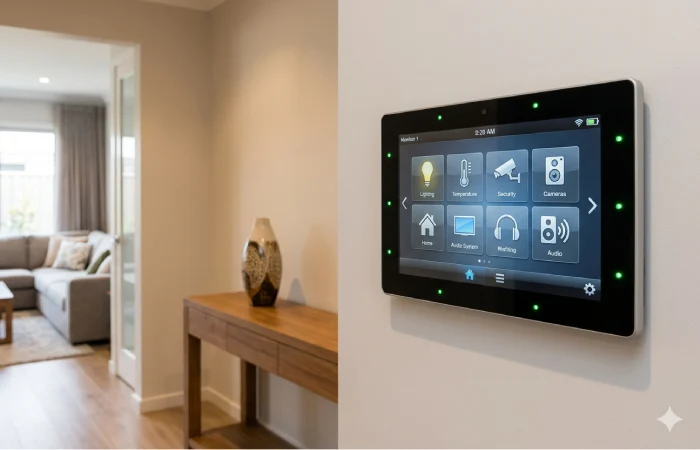
For many people who purchase smart homes and are new to them, it may be a question whether or not they need a hub, considering that most smart items work independently with a Wi-Fi network.
Some devices can function autonomously; however, the addition of other smart devices manufactured by various brands will make your app selection messy.
A smart home hub makes all of this unnecessary because it serves as a central controller.
Benefits
1. One App for Everything
Rather than operating five or six different applications, you manage everything from a single interface.
2. Better Automation
Hubs allow devices from different brands to interact.
For example:
- Motion sensor detects movement.
- Lights turn on.
- Camera starts recording.
- Smart speaker announces someone is outside.
Without a hub, these automations may not be possible.
3. Faster Response
Many hubs perform automations locally instead of relying on cloud servers.
This means:
- Faster execution
- Better reliability
- Less internet dependency
4. Enhanced Security
Local processing keeps many automations inside your home network, reducing cloud dependence.
5. Future Expansion
Your smart home hub becomes the cornerstone of your growing smart home system.
Top Smart Home Hubs 2026
The selection of a proper hub depends upon what devices you already have and what ecosystem you prefer. The best smart home hubs in 2026 are:
1. Samsung SmartThings Hub
Suitable for: Most homeowners
Pros:
- Supports Zigbee
- Supports Z-Wave
- Supports Matter
- Compatible with thousands of devices
- Excellent automation features
Cons:
- Some cloud-dependent functions
Ideal if you want flexibility and support for many brands.
2. Home Assistant Green
Best for: Advanced users
Pros:
- Fully local automation
- Excellent privacy
- Highly customizable
- Massive device compatibility
Cons:
- Learning curve for beginners
Perfect for users who enjoy complete control over their smart home.
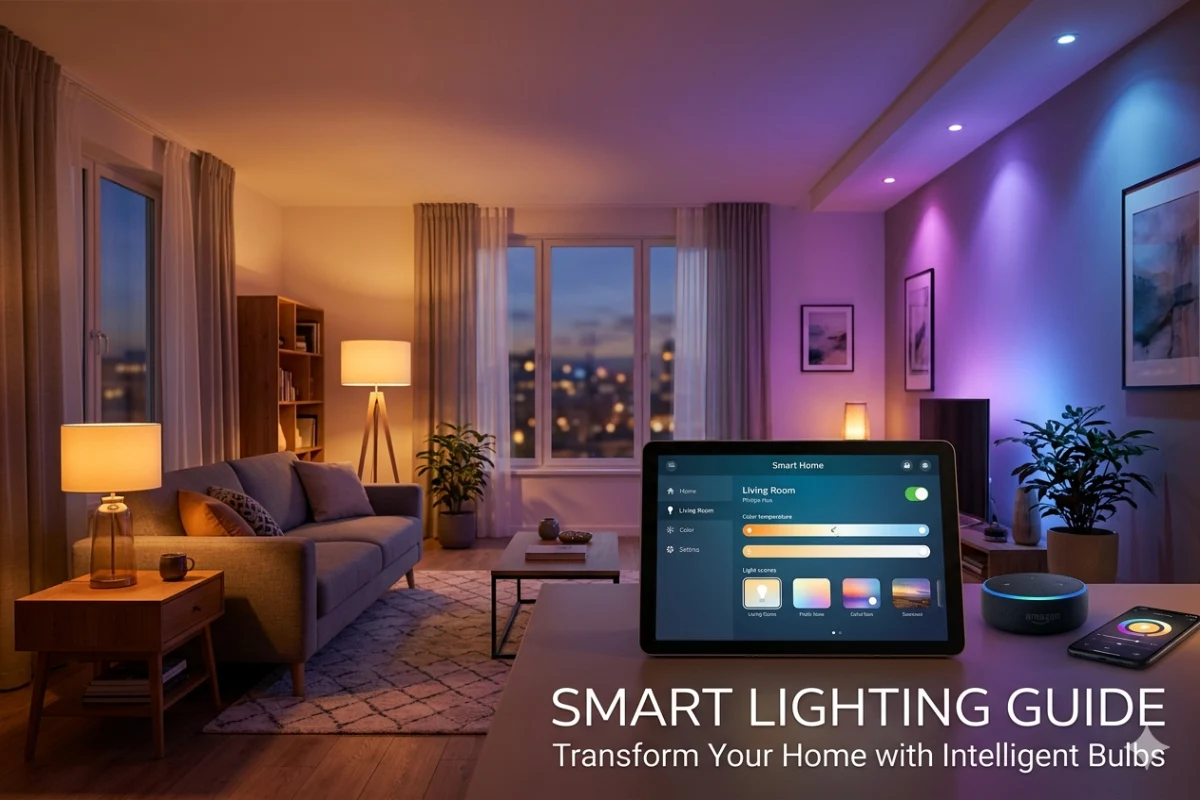
Connect and manage your smart lighting through the hub.
3. Amazon Echo Hub
Best for: Alexa households
Pros:
- Excellent Alexa integration
- Easy setup
- Simple dashboard
- Affordable
Cons:
- Limited advanced automation
Ideal for homes already using Amazon Alexa.
4. Google Home Hub Ecosystem
Best for: Google Assistant users
Pros:
- Great voice recognition
- Easy automation
- Strong AI integration
- Excellent Android compatibility
Cons:
- Some advanced features require cloud services.
5. Apple Home Hub
Best for: Apple users
Using Apple TV or HomePod as a hub offers:
- HomeKit automation
- Secure local processing
- Excellent privacy
- Matter compatibility
Best for those who are in the Apple Ecosystem.
Smart Home Hub Setup Guide
Home automation hubs are not as hard to install as it might seem.
Stage 1: Pick the Location
Place the hub:
- Near the center of your home
- Away from thick walls
- Elevated from the floor
- Close to your router if required
That will improve wireless capabilities of the Zigbee and Z-Wave devices.
Stage 2: Connect the Device to Your Internet Connection
Most hubs connect through:
- Ethernet cable
- Wi-Fi
- Mobile app
Just follow the installation guide provided by the manufacturer.
Stage 3: Install the App
Download the official mobile application.
Create an account and update the hub firmware before adding devices.
Step 4: Add Smart Devices
Most hubs automatically detect compatible devices.
Typical process:
- Put the device into pairing mode.
- Open the hub app.
- Tap “Add Device.”
- Wait for discovery.
- Assign the device to a room.
Step 5: Organize Devices
Create rooms such as:
- Living room
- Kitchen
- Bedroom
- Garage
- Garden
Organization makes automation much easier.
Step 6: Create Automations
Examples include:
Morning Routine
- Open blinds
- Turn on lights
- Start coffee machine
- Adjust thermostat
Night Routine
- Lock doors
- Turn off lights
- Arm security system
- Lower thermostat
Vacation Mode
- Simulate lighting
- Activate cameras
- Send security alerts
Smart Home Hub vs Bridge
It often confuses people whether to use a hub or a bridge as they have distinct functions.
| Smart Home Hub | Smart Bridge |
| Controls many brands | Usually controls one brand |
| Supports multiple protocols | Supports only its own ecosystem |
| Creates advanced automation | Limited automation |
| Central dashboard | Device-specific management |
| Connects multiple ecosystems | Connects only related products |
What Is a Smart Bridge?
A bridge is designed for one manufacturer’s products.
For example:
- Smart lighting bridge
- Smart blind bridge
- Smart lock bridge
Its main purpose is connecting those devices to your network.
A hub, however, connects bridges, devices, sensors, and voice assistants into one complete ecosystem.
Smart Home Hub Compatibility Guide
Compatibility is one of the major things to consider when choosing a hub.
All the devices do not use the same wireless protocol to communicate.
Understanding these standards helps you avoid buying incompatible products.
Wi-Fi
Pros
- Easy setup
- No additional hardware for many devices
Cons
- Uses more power
- Can overload home networks
Best for:
- Cameras
- Speakers
- Smart TVs
- Appliances
Zigbee
Pros
- Low power
- Reliable mesh network
- Excellent battery life
Common devices:
- Motion sensors
- Smart bulbs
- Door sensors
- Buttons
Z-Wave
Pros
- Strong reliability
- Long range
- Minimal interference
Ideal for:
- Door locks
- Thermostats
- Security systems
Thread
Thread is becoming increasingly popular thanks to Matter support.
Advantages include:
- Fast communication
- Self-healing mesh
- Low latency
- Excellent reliability
Matter
Matter is the latest technology in smart homes that enables different brands of equipment to function cohesively.
Advantages include:
- Better compatibility
- Easier setup
- Improved reliability
- Cross-platform support
- Future-proof ecosystem
A great number of the hubs manufactured in 2026 can work with Matter.
Characteristics You Should Take Into Account When Buying a Smart Home Hub
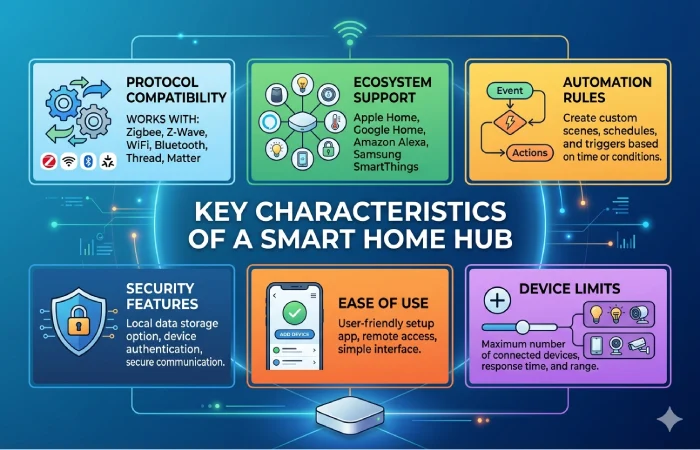
Not all hubs are equally capable.
Here are the most important features to consider.
Multi-Protocol Support
Choose hubs supporting:
- Wi-Fi
- Zigbee
- Thread
- Matter
- Bluetooth
When more protocols are available, there will be fewer problems related to compatibility.
Local Automation
Local Automation It functions even when the internet is offline.
Thus, it increases efficiency and reliability.
Voice Assistant Compatibility
The majority of the users have:
- Alexa
- Google Assistant
- Siri
Ensure your hub supports your preferred assistant.
Expandability
Choose a hub which will be able to connect hundreds of devices.
In general, your smart home system will grow over time.
Security
Look for:
- Two-factor authentication
- Encrypted communication
- Regular firmware updates
- Local processing where possible
Common Smart Devices That Work with a Hub
After the hub installation, you can connect a number of smart devices such as:
Lighting
- Smart bulbs
- LED strips
- Smart switches
- Smart dimmers
Security
- Cameras
- Door locks
- Motion detectors
- Window sensors
- Alarm systems
Climate
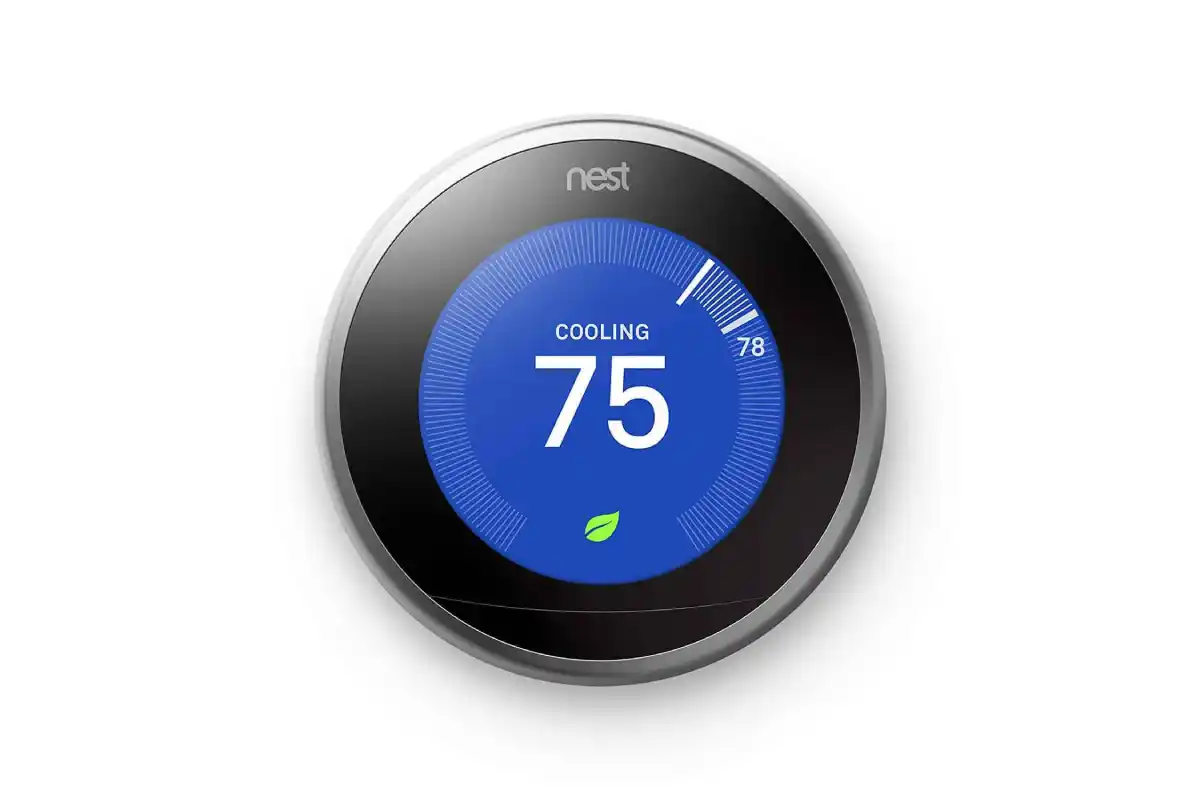
- Thermostats
- Smart fans
- Air conditioners
- Air purifiers
Energy
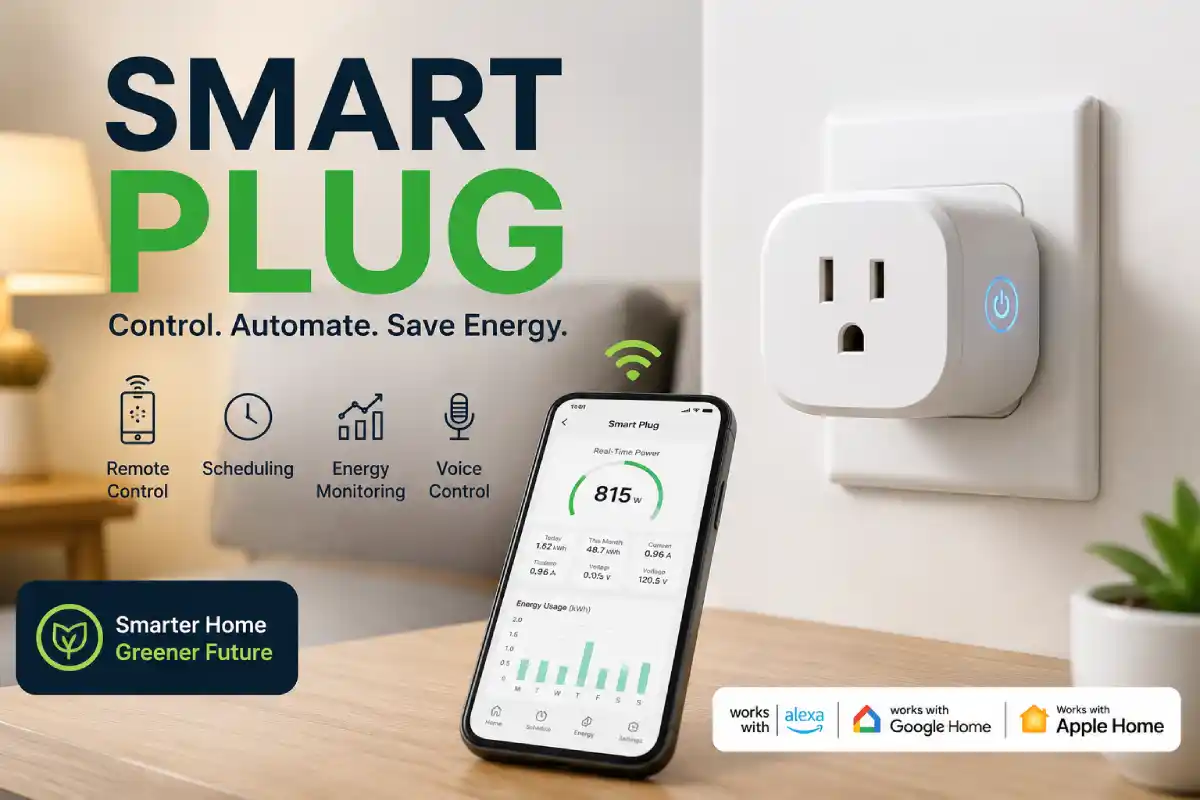
- Smart plugs
- Energy monitors
- Smart outlets
Entertainment
- TVs
- Speakers
- Streaming devices
Appliances
- Robot vacuums
- Washing machines
- Refrigerators
- Coffee makers
Pair it with a voice assistant for hands-free control.
Tips for Creating a Functional Smart Home System
Here are some tips that should help create your reliable smart home system:
- Purchase Matter certified devices where possible.
- Keep hub firmware updated.
- Use secure passwords and two-factor authentication.
- Place the hub centrally in order to achieve better wireless connection.
- Label devices clearly for easier management.
- Build automations gradually instead of all at once.
- Try not to integrate too many different unsupported ecosystems.
The list will increase performance and make troubleshooting easier.
FAQ Section
Do I need a hub if my smart home system uses Wi-Fi?
No, not necessarily. However, if you have many different smart home devices from different manufacturers and you would like to control them conveniently, you definitely need a smart home hub.
Can one hub control every smart device?
No. Compatibility with hubs is possible depending on supported protocols of hubs and devices. Using Matter compatible hub will be especially helpful in creating cross-brand compatibility.
Is installing a smart home hub difficult?
Almost all modern hubs are aimed at novices and can be set up within 30 minutes with a companion app.
What is the difference between Matter and Zigbee?
Matter is a universal standard for smart homes that aims to achieve the maximum compatibility. Zigbee is a wireless protocol. Some hubs support both.
Can you have a smart home hub without the internet?
Most hubs are able to provide for local automation, which allows your routines and connected devices to continue functioning even when you are not connected to the internet at the moment. Some remote access and cloud-related functionality may require being online, however.
Conclusion
The smart home hub is the core of your connected home ecosystem, connecting all of your smart devices into one intelligent system. Unlike managing multiple apps and unrelated products, a hub can help simplify the process of control, automate the process of management, and make your smart home setup more reliable.
When it comes to building a smart home network or upgrading the existing one, you should think about buying a hub supporting such standards as Matter, Thread, Zigbee, and Wi-Fi. By choosing a proper hub and organizing your devices, you will have a smart home system.