
Last Updated: September 14, 2026
Introduction
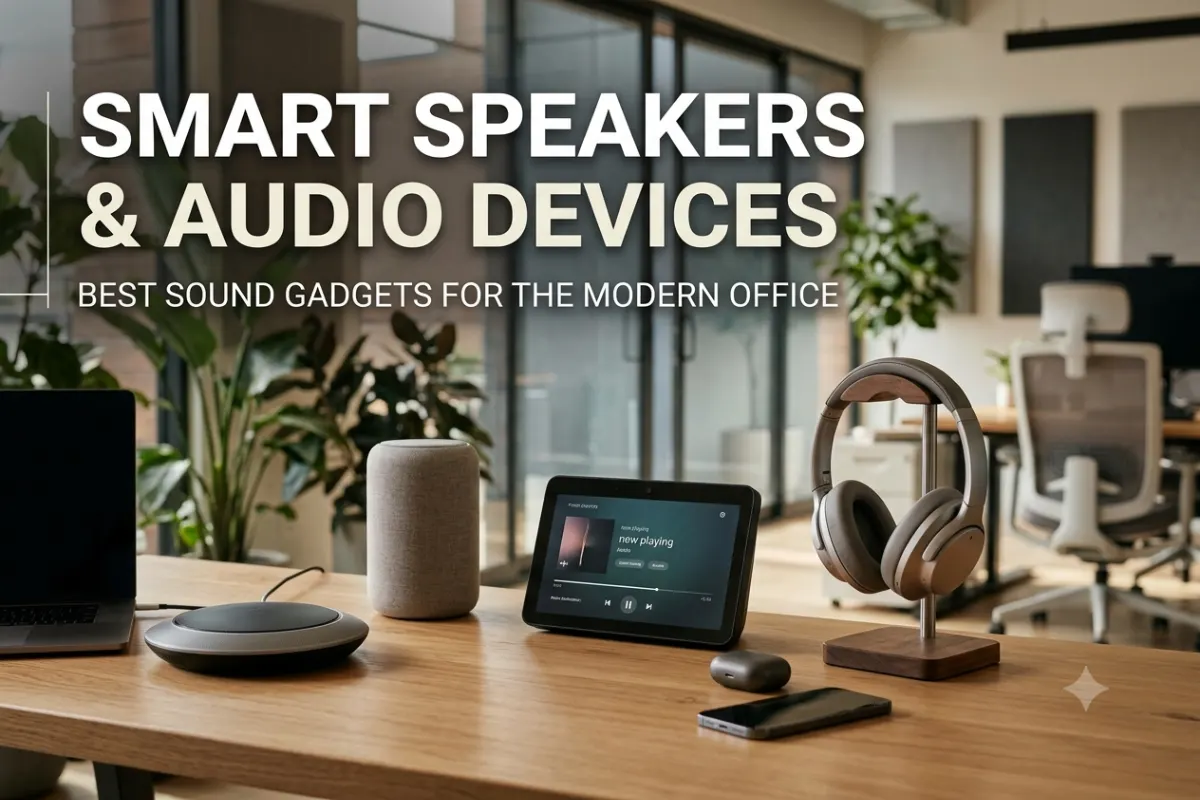
Smart speakers and audio devices have become important tools for building a more productive, connected, and flexible office. From voice-controlled assistants that manage daily tasks to noise cancelling headphones that help employees focus, the right audio technology can improve communication and workplace efficiency.
Modern offices are no longer limited to traditional desk phones and basic conference room equipment. Teams now use Bluetooth speakerphones for remote meetings, smart speakers for voice commands, wireless headphones for focused work, and advanced conference speakers for hybrid collaboration.
Choosing the best smart speakers and audio devices depends on how your office works. A small home office may only need a compact smart speaker and a good headset, while a large workplace may require multiple conference room speakers and professional audio systems.
What Are Smart Speakers and Audio Devices?
Smart speakers and audio devices are connected gadgets designed to provide voice control, communication, entertainment, and improved sound experiences.
Unlike traditional speakers, smart speakers usually connect to Wi-Fi and support a voice assistant. Users can ask questions, set reminders, control compatible devices, manage calendars, and perform other tasks through voice commands.
Audio devices for offices include:
- Smart speakers
- Noise cancelling headphones
- Wireless headsets
- Conference speakers
- Bluetooth speakerphones
- USB microphones
- Soundbars
- Voice-controlled assistants
These devices support both individual productivity and team collaboration.
Why Smart Audio Devices Matter in Modern Offices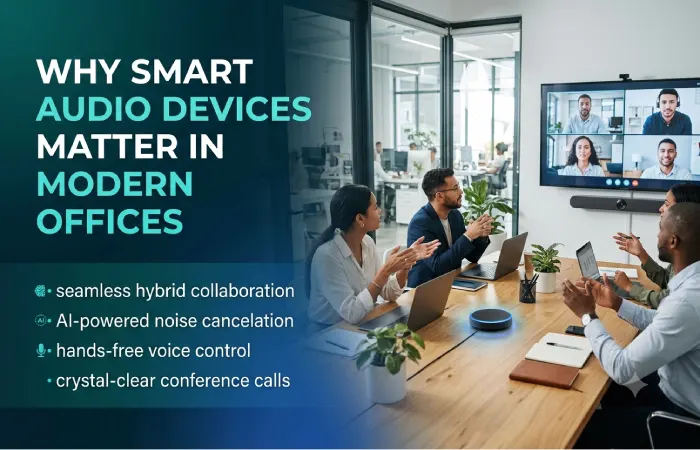
The modern workplace is becoming more flexible. Employees may work from traditional offices, home offices, coworking spaces, or hybrid environments.
Audio technology helps solve common workplace problems such as poor meeting sound, background noise, communication delays, and distractions.
Improved Communication
Clear audio is essential for remote and hybrid meetings. A good conference speaker can make conversations easier by improving voice clarity and reducing unwanted background noise.
Better Focus
Open offices can be noisy. Noise cancelling headphones help employees focus on important tasks without being distracted by conversations and surrounding activity.
Hands-Free Productivity
Smart speakers allow users to complete simple tasks without opening multiple apps or devices.
For example, employees can use voice commands to:
- Set meeting reminders
- Check schedules
- Create timers
- Control smart lights
- Play background music
- Access quick information
Flexible Workspaces
Wireless audio devices reduce cable clutter and make it easier for employees to work from different locations.
Best Smart Speakers for Offices
The best smart speakers for offices combine reliable voice assistants, good sound quality, strong connectivity, and useful smart office features.
The ideal choice depends on office size and usage.
| Smart Speaker Type | Best For | Main Benefit |
| Compact smart speaker | Individual desks | Voice commands and reminders |
| Premium smart speaker | Executive offices | Better sound and smart features |
| Smart display | Reception and meeting areas | Visual information and voice control |
| Multi-room speaker | Large offices | Audio across multiple spaces |
| Portable smart speaker | Flexible workspaces | Mobility and wireless audio |
Compact Smart Speakers for Desks
Compact speakers are suitable for employees who want voice assistance without taking up much desk space.
They can help with reminders, timers, schedules, and simple smart device controls.
These devices work well in:
- Home offices
- Private offices
- Small workspaces
- Reception desks
Premium Smart Speakers for Larger Spaces
Larger offices may benefit from speakers with stronger sound and better microphones.
Premium models can provide better coverage in meeting rooms, executive offices, and shared workspaces.
However, businesses should carefully review privacy settings before placing voice-enabled devices in sensitive areas.
Noise Cancelling Headphones for Work
Noise cancelling headphones for work are among the most useful audio gadgets for employees who need concentration.
They use microphones and audio processing to reduce unwanted background sounds.
This can be especially useful in:
- Open-plan offices
- Coworking spaces
- Airports
- Home offices
- Shared workspaces
Active Noise Cancellation vs Passive Isolation
| Feature | Active Noise Cancellation | Passive Noise Isolation |
| Technology | Electronic sound reduction | Physical earcup design |
| Best For | Continuous background noise | General surrounding noise |
| Battery Required | Usually yes | No |
| Travel | Excellent | Good |
| Office Focus | Excellent | Good |
Features to Look For
When choosing work headphones, consider:
Microphone Quality
Employees who regularly attend meetings need clear microphones with background noise reduction.
Battery Life
Wireless headphones should last through a full workday or offer fast charging.
Comfort
Heavy headphones can become uncomfortable during long meetings. Lightweight designs and comfortable ear cushions are important.
Multi-Device Connectivity
Many professionals switch between laptops and smartphones. Multi-device connectivity can make this process easier.
Transparency Mode
Transparency or awareness modes allow users to hear important sounds without completely removing their headphones.
Conference Room Speakers
Conference room speakers are essential for hybrid teams.
Poor audio can make meetings frustrating. Participants may struggle to hear remote employees, and microphones may fail to capture everyone in the room.
A quality conference speaker should provide:
- Clear voice output
- Wide microphone coverage
- Echo reduction
- Noise reduction
- USB connectivity
- Bluetooth connectivity
- Easy setup
Small Conference Rooms
Small rooms usually work well with portable speakerphones.
A single device may be enough to capture voices around a small table.
Medium Conference Rooms
Medium-sized rooms may require more powerful speakers and microphones.
Some systems support additional microphones for better coverage.
Large Conference Rooms
Large meeting rooms often need dedicated audio systems rather than a single portable speaker.
Businesses may need:
- Multiple microphones
- Ceiling microphones
- Professional speakers
- Audio processing systems
- Video conferencing integration
Alexa vs Google Assistant for Office
The choice between Alexa vs Google Assistant for office depends on your existing technology ecosystem and how you plan to use voice control.
| Feature | Alexa | Google Assistant |
| Smart Device Support | Excellent | Excellent |
| Information Search | Good | Excellent |
| Smart Home Integration | Excellent | Excellent |
| Office Automation | Strong | Strong |
| Calendar Integration | Good | Excellent for Google users |
| Voice Commands | Flexible | Natural conversational commands |
Alexa for Office Use
Alexa can be useful for controlling connected devices and creating automated routines.
Potential office uses include:
- Controlling smart lights
- Managing compatible devices
- Setting reminders
- Creating routines
- Playing music
- Managing timers
Alexa may be a practical option for offices that already use compatible smart devices.
Google Assistant for Office Use
Google Assistant can be useful for teams that rely heavily on Google’s ecosystem.
It can support productivity tasks related to:
- Calendars
- Information searches
- Voice commands
- Smart device control
- Reminders
Google-focused workplaces may find this integration particularly convenient.
Which Is Better?
There is no single winner for every business.
Choose based on:
- Existing office software
- Smart devices already installed
- Calendar platform
- Employee preferences
- Privacy requirements
- Automation needs
Bluetooth Speakerphones for Meetings
Bluetooth speakerphones for meetings provide a simple way to improve meeting audio without installing a complete conference room system.
They are portable and usually connect to laptops and smartphones.
Benefits of Bluetooth Speakerphones
Easy Setup
Most devices can connect quickly without complicated installation.
Portable Design
Teams can move the speakerphone between rooms.
Better Audio
Dedicated speakerphones usually provide better meeting audio than laptop speakers.
Flexible Connectivity
Many models support both Bluetooth and USB connections.
How to Choose a Bluetooth Speakerphone
Consider the following features.
| Feature | Why It Matters |
| Microphone range | Captures voices across the room |
| Speaker quality | Improves clarity |
| Noise reduction | Reduces background distractions |
| Echo cancellation | Prevents audio feedback |
| Battery life | Important for portable use |
| USB support | Provides reliable computer connection |
| Bluetooth | Supports wireless flexibility |
A small team may only need a compact speakerphone. Larger groups may need expandable systems.
Smart Audio Devices for Different Office Spaces
Different workspaces require different audio solutions.
Individual Desk
Recommended devices:
- Noise cancelling headphones
- Compact smart speaker
- Wireless earbuds
- USB microphone
Best for focused work, calls, and personal productivity.
Home Office
Recommended devices:
- Noise cancelling headphones
- Bluetooth speakerphone
- Smart speaker
- External microphone
Home workers should prioritize microphone quality and background noise control.
Small Meeting Room
Recommended devices:
- Bluetooth speakerphone
- Conference speaker
- Wireless microphone
- Smart display
These devices can support quick team meetings and video calls.
Large Conference Room
Recommended devices:
- Professional conference speaker
- Multiple microphones
- Audio processing system
- Dedicated video conferencing equipment
Large spaces require better microphone coverage and stronger sound output.
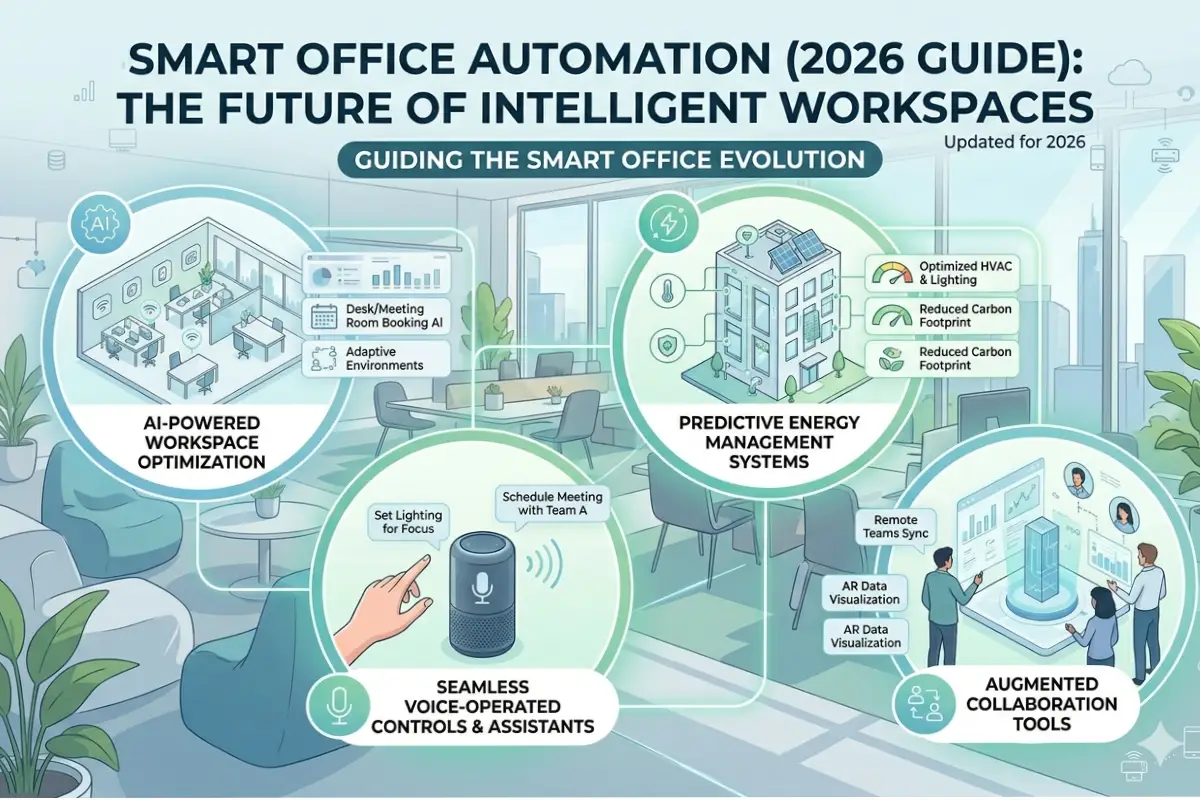
Smart Speakers for Office Automation
Smart speakers can become part of a larger smart office ecosystem.
For example, employees can use voice commands to control:
- Smart lighting
- Smart plugs
- Displays
- Temperature controls
- Meeting reminders
- Music systems
A simple command can activate several devices at once when automation routines are configured.
Example Smart Office Routine
A morning routine could:
- Turn on office lights.
- Adjust compatible temperature settings.
- Play low-volume background music.
- Announce upcoming meetings.
- Activate selected connected devices.
This type of automation can make office environments more convenient.
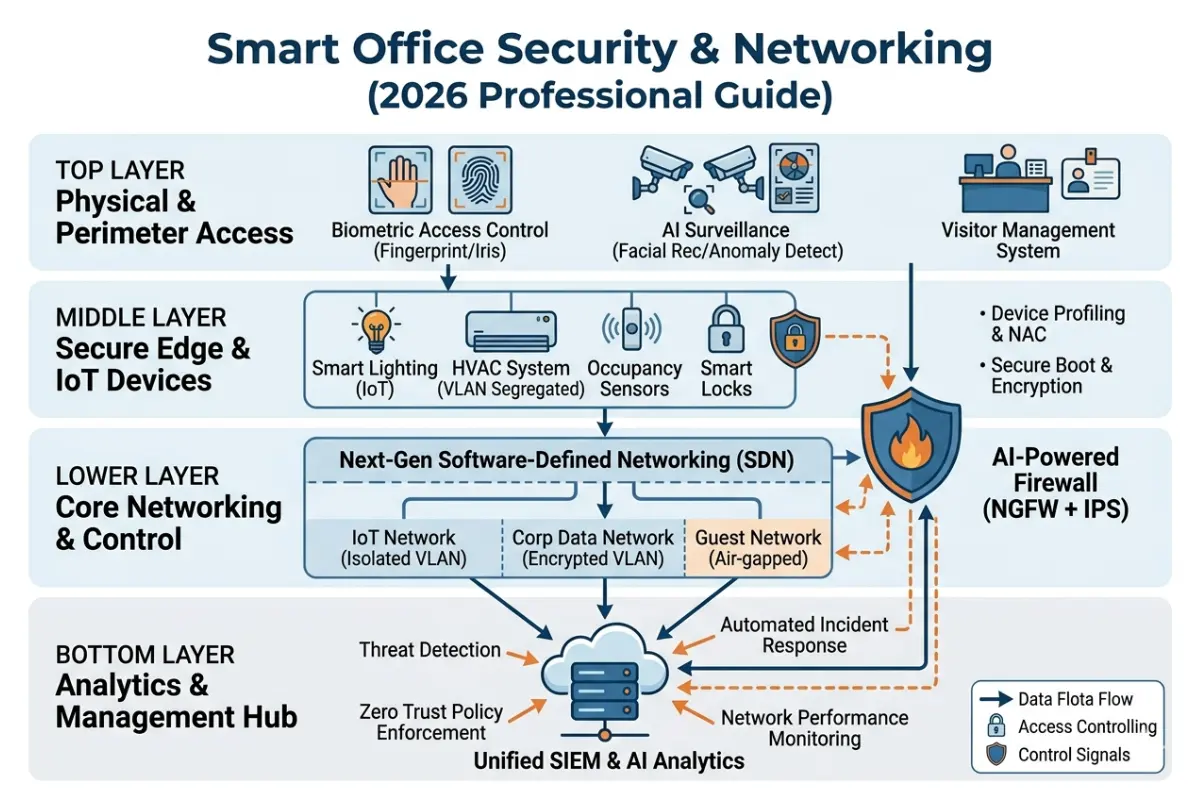
Privacy and Security Considerations
Smart speakers often use microphones to detect voice commands. Businesses should carefully consider privacy before installing them.
Important steps include:
Review Microphone Settings
Understand when microphones are active and how voice recordings are handled.
Avoid Sensitive Areas
Do not place voice-enabled devices in areas where confidential conversations regularly occur unless they meet your organization’s security requirements.
Use Separate Business Accounts
Business devices should not be connected to personal employee accounts.
Update Software
Regular software updates can improve security and fix vulnerabilities.
Manage Permissions
Review connected services and remove unnecessary permissions.
Common Problems With Office Audio Devices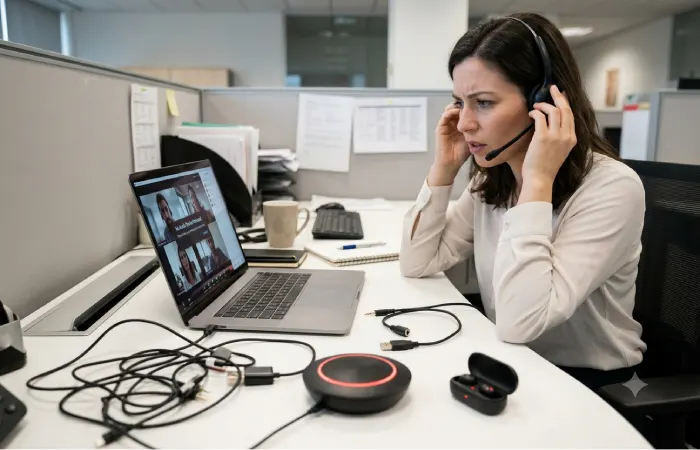
Poor Bluetooth Connection
Bluetooth interference can cause audio interruptions.
Try:
- Moving closer to the connected device
- Disconnecting unused Bluetooth devices
- Updating device firmware
- Switching to USB when possible
Echo During Meetings
Echo can occur when microphones and speakers are poorly positioned.
Use devices with echo cancellation and avoid placing microphones too close to speakers.
Background Noise
Noise reduction software and noise cancelling headphones can improve audio quality.
Short Battery Life
Keep charging stations available for wireless devices and choose products with suitable battery capacity.
Voice Assistant Misunderstanding Commands
Improve results by placing smart speakers away from loud equipment and using clear voice commands.
Best Features to Compare Before Buying
Before purchasing smart speakers and audio devices, compare these important features.
| Feature | Individual Work | Meetings | Smart Office |
| Noise cancellation | High | Medium | Low |
| Microphone quality | High | Very High | Medium |
| Voice assistant | Medium | Low | Very High |
| Portability | High | High | Medium |
| Sound power | Medium | High | Medium |
| Multi-device support | High | High | High |
| Security controls | High | High | Very High |
Building a Complete Smart Office Audio Setup
A modern office does not need to use the same audio device everywhere.
A better strategy is to match technology with the workspace.
Basic Setup
Suitable for small businesses:
- Wireless headphones for employees
- One Bluetooth speakerphone
- One smart speaker for shared areas
Intermediate Setup
Suitable for growing teams:
- Noise cancelling headsets
- Multiple speakerphones
- Conference room speakers
- Smart office automation
- Wireless microphones
Advanced Setup
Suitable for large organizations:
- Enterprise audio systems
- Professional conference room equipment
- Multiple microphone zones
- Centralized device management
- Secure voice technology
- Integrated smart office automation
Frequently Asked Questions
What are the best smart speakers for offices?
The best smart speakers for offices depend on your existing ecosystem, office size, and automation needs. Look for reliable voice control, strong connectivity, good microphone performance, and privacy controls.
Are noise cancelling headphones good for work?
Yes. Noise cancelling headphones can help employees focus in open offices, shared workspaces, and home offices by reducing distracting background sounds.
What is the difference between a conference speaker and a Bluetooth speaker?
A conference speaker is designed primarily for voice communication and meetings. It usually includes multiple microphones, echo cancellation, and voice optimization. A standard Bluetooth speaker focuses mainly on music playback.
Are Bluetooth speakerphones good for meetings?
Yes. Bluetooth speakerphones can improve audio quality for small meetings and remote calls. They are particularly useful for flexible offices and small conference rooms.
Which is better for an office, Alexa or Google Assistant?
The best option depends on your existing technology. Alexa is strong for smart device automation, while Google Assistant can be especially convenient for teams using Google’s productivity ecosystem.
Should businesses worry about smart speaker privacy?
Yes. Businesses should review microphone settings, data policies, permissions, and device placement before using voice-enabled devices in the workplace.
Final Thoughts
Smart speakers and audio devices can make a modern office more productive, flexible, and connected. The best setup usually combines several technologies rather than relying on one device.
Noise cancelling headphones can improve individual focus. Bluetooth speakerphones can support flexible meetings. Conference room speakers can improve hybrid communication, while smart speakers can add convenient voice control and office automation.
When choosing smart speakers and audio devices, focus on your team’s actual needs. Consider office size, meeting frequency, existing software, connectivity, privacy requirements, and budget.
A well-planned audio setup can create a better experience for employees while improving communication across the entire workplace.