
Last Updated: September 21, 2026
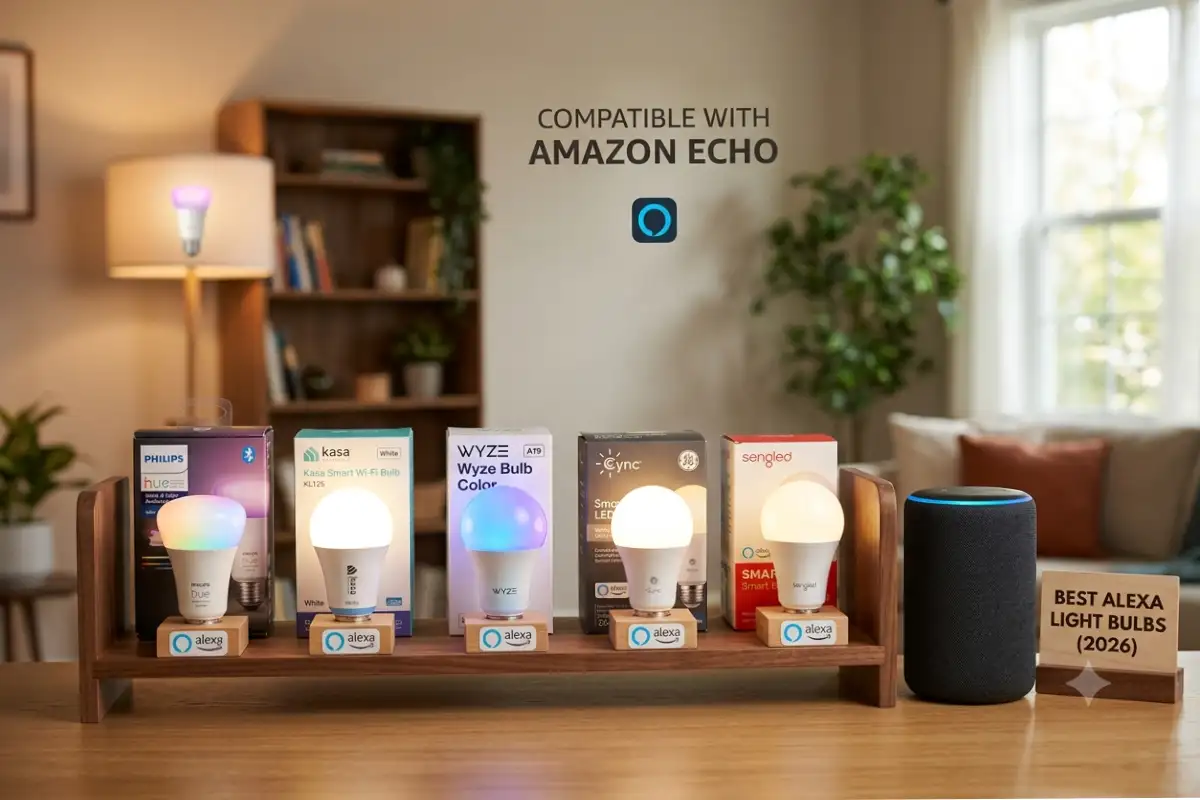
In today’s world, smart lights are considered to be one of the easiest and inexpensive ways to improve the environment at your place. Among all other smart home gadgets, Alexa lights continue to be one of the favorites owing to their ease of use and efficiency.
Smart bulbs of 2026 are much more advanced. They have Wi-Fi, Bluetooth, Matter, Thread, Zigbee, and energy management abilities together with increased brightness, better color rendering, and reduced latency. Once connected to the Amazon Echo speaker or smart display, the bulbs are easy to control using voice commands and routines.
The article covers the principle of operation of Alexa light bulbs, reviews the top Alexa light bulbs of 2026, describes the installation process, lists the voice commands that you can use to control the light, and offers some troubleshooting tips.
Alexa light bulbs from our smart lighting pillar.
Reasons for Using Alexa Light Bulbs
Ordinary light bulbs provide nothing more than basic on and off capabilities. Alexa bulbs turn light into a smart system that adapts to your schedule and your voice.
Some of the major advantages include:
- Hands-free voice control
- Remote control through the Alexa app
- Adjustable brightness
- Millions of color options (RGB bulbs)
- Automated schedules
- Energy-efficient LED technology
- Integration with other smart home devices
- Group control for multiple rooms
Some of the factors behind why Alexa light bulbs can be applied in bedrooms, kitchens, living rooms, offices, outdoor lighting, and even for the holiday season include:
How Alexa Light Bulbs Work
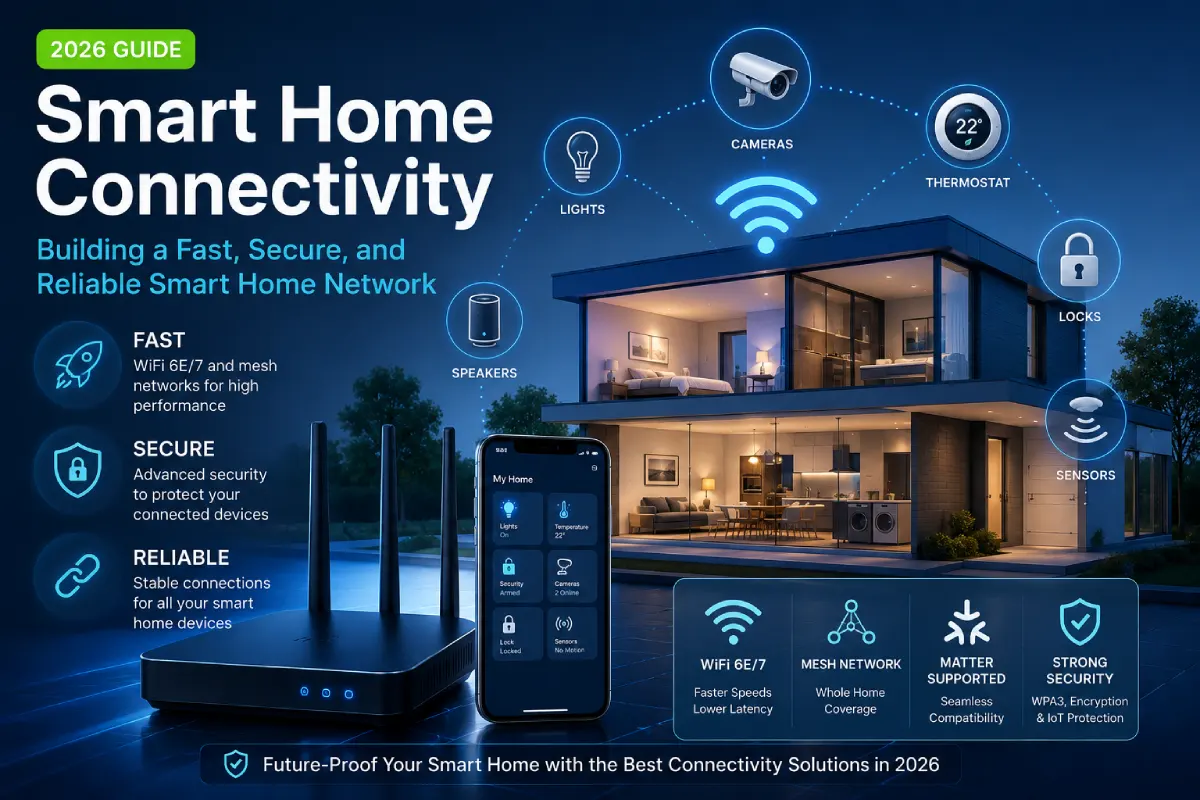
The Alexa light bulbs work with your wireless network or smart home hub in order to communicate with Amazon Alexa via cloud-based or local services.
As opposed to the conventional LED bulbs, smart bulbs are equipped with a tiny wireless radio which responds to commands issued by Alexa. After connection, Alexa will be able to control lights, adjust brightness, set color or create scenes.
Common Connection Methods
| Connection Type | Hub Required | Speed | Best For |
| Wi-Fi | No | Good | Beginners |
| Bluetooth | No | Moderate | Small apartments |
| Zigbee | Echo Hub | Excellent | Large smart homes |
| Thread | Matter Hub | Excellent | Future-proof smart homes |
| Matter | Depends on device | Excellent | Cross-platform compatibility |
The easiest method to go about remains Wi-Fi light bulbs as they will connect directly to your router.
As for the Zigbee bulbs, they are faster and have a better network.
When we talk about Matter protocol, we mean the bulbs that can remain applied in Alexa, Google Home, Apple HomeKit, and also Samsung SmartThings simultaneously.
Considerations for Purchasing Alexa Smart Light Bulbs
Not all smart bulbs have identical functionality.
The following features should be considered before making the purchase.
| Feature | Importance |
| Alexa certification | Ensures reliable compatibility |
| Brightness | Usually 800–1600 lumens |
| RGB colors | Millions of color choices |
| Tunable white | Warm to cool lighting |
| Energy efficiency | Lower electricity usage |
| Matter support | Future compatibility |
| Scheduling | Automatic lighting |
| Group control | Multiple lights together |
| Music sync | Entertainment lighting |
| Lifespan | 20,000–50,000 hours |
The choice of bulbs which have Matter support can be used to keep your smart home modern.
Best Alexa-Compatible Smart Light Bulbs (2026)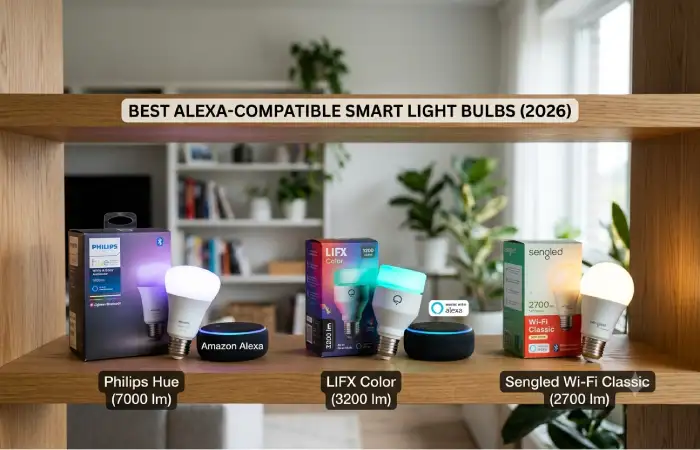
At the moment many companies produce quality Alexa-compatible light bulbs. Making a decision remains determined by your budget, preferred ecosystem, and needs.
1. Philips Hue White & Color Ambiance
Philips Hue still remains the best brand in the field of premium smart lighting.
Pros
- Exceptional brightness
- Rich color reproduction
- Zigbee and Matter support
- Reliable automation
- Excellent app
Best For
Large smart homes with multiple connected devices.
2. Amazon Basics Smart Bulb
Amazon basics smart bulbs remain purposely designed for those that use Alexa.
Advantages include:
- Extremely easy setup
- Affordable pricing
- Reliable Alexa integration
- Wi-Fi connectivity
- No separate hub required
These bulbs are perfect for beginners building their first smart home.
3. TP-Link Kasa Smart Bulb
Kasa has turned into one of the most reliable smart home brands.
Key features include:
- Strong Wi-Fi performance
- Easy installation
- Scheduling
- Energy monitoring
- Good Alexa compatibility
Many homeowners choose Kasa because of its stable mobile app.
4. Sengled Smart Bulbs
Sengled offers affordable lighting with dependable Alexa integration.
Benefits include:
- Competitive pricing
- Bright white lighting
- RGB options
- Matter support on select models
- Long lifespan
5. Govee Smart Bulbs
Govee is particularly well-known amongst gamers and entertainment lovers.
Features include:
- Vibrant RGB colors
- Dynamic scenes
- Music synchronization
- Voice control
- Budget-friendly options
6. Wyze Bulb Color
Wyze provides excellent value.
Features include:
- Adjustable white temperature
- Bright colors
- Low price
- Alexa support
- Simple app controls
Comparison Table
| Brand | Hub Required | Color Support | Matter | Price Range |
| Philips Hue | Optional | Yes | Yes | Premium |
| Amazon Basics | No | Selected models | Limited | Budget |
| TP-Link Kasa | No | Yes | Some models | Mid-range |
| Sengled | Optional | Yes | Yes | Budget |
| Govee | No | Yes | Some models | Mid-range |
| Wyze | No | Yes | Limited | Budget |
How to Set Up Alexa Light Bulbs
Installing Alexa-compatible bulbs usually takes less than ten minutes.
Step 1: Install the Bulb
Turn off the light switch.
Replace the existing bulb with the smart bulb.
Restore power.
Step 2: Download the Manufacturer’s App
Most brands require their own app during initial setup.
Examples include:
- Philips Hue
- TP-Link Kasa
- Govee Home
- Sengled Home
- Wyze
Connect the light to your Wi-Fi network.
Step 3: Add the Light to Alexa
Open the Alexa app.
Choose:
Devices → Add Device → Light
Alexa searches for nearby smart bulbs.
Select the discovered device.
Step 4: Assign Rooms
Place bulbs into rooms like:
- Living Room
- Bedroom
- Kitchen
- Office
- Patio
Room assignments make voice control easier.
For instance:
“Alexa, turn off the bedroom.”
Step 5: Setup Routines
Routines automate daily activities.
Examples include:
| Routine | Action |
| Morning | Lights gradually brighten |
| Movie Night | Lights dim to 20% |
| Bedtime | Turn off all lights |
| Vacation | Random lighting schedule |
| Sunrise | Slowly increase brightness |
Automation improves convenience while reducing energy consumption.
Pair with a remote light switch for easy control.
Alexa Light Bulb Voice Commands
One of the biggest advantages of Alexa lighting is natural voice control.
Some useful commands include:
Basic Commands
- Alexa, turn on the living room lights.
- Alexa, turn off all lights.
- Alexa, dim the bedroom lights.
- Alexa, brighten the office lights.
Brightness Commands
- Alexa, set lights to 50%.
- Alexa, increase brightness.
- Alexa, decrease brightness.
Color Commands
If your bulb supports RGB colors:
- Alexa, make the lights blue.
- Alexa, turn the lights red.
- Alexa, set lights to purple.
- Alexa, change lights to warm white.
Scene Commands
- Alexa, activate Movie Night.
- Alexa, start Reading Mode.
- Alexa, set Relax mode.
- Alexa, activate Party lighting.
Group Commands
If lights are grouped:
- Alexa, turn off upstairs.
- Alexa, turn on downstairs.
- Alexa, dim the kitchen.
Combining lights remains an easy way to save time when you want to turn on/off all the lights.
Advantages of Using Alexa Smart Bulbs
Apart from convenience, there remain other benefits of smart bulbs.
Energy Efficiency Increases
LED smart bulbs use less energy compared to incandescent light bulbs.
Scheduling can help avoid forgetting to switch off the lights.
Enhanced Home Security
Lighting can be turned on and off remotely whether one is in their house or out.
Better Comfort
Adjustable brightness creates comfortable lighting for:
- Reading
- Working
- Watching TV
- Relaxing
- Sleeping
Smart Home Integration
Alexa bulbs can work alongside:
- Smart plugs
- Motion sensors
- Door sensors
- Smart locks
- Security cameras
- Thermostats
This creates a connected smart home ecosystem.
Troubleshooting Alexa Light Bulbs
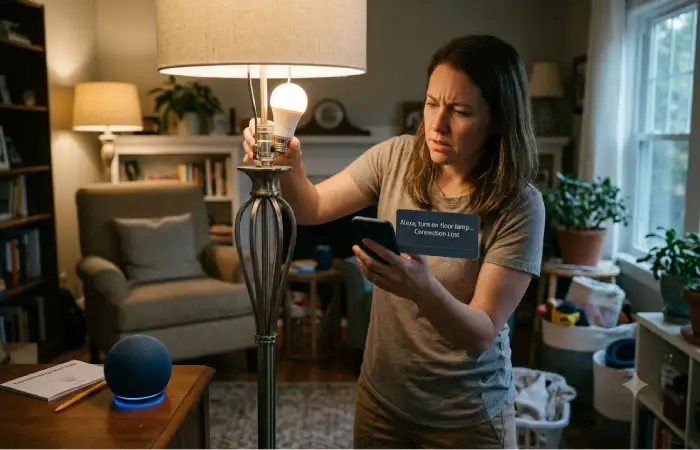
Alexa may not always work correctly with the smart bulb. However, it remains simple to solve the problem.
Alexa Cannot Find the Bulb
Possible causes include:
- Bulb not in pairing mode
- Wi-Fi issues
- Wrong frequency band
- Outdated firmware
Solution:
Return the bulb to its normal position and go through the setup process again.
Voice Commands Not Working
Check that:
- Alexa hears your command correctly.
- The bulb appears online.
- The Alexa app shows the correct room.
- The manufacturer skill is enabled if required.
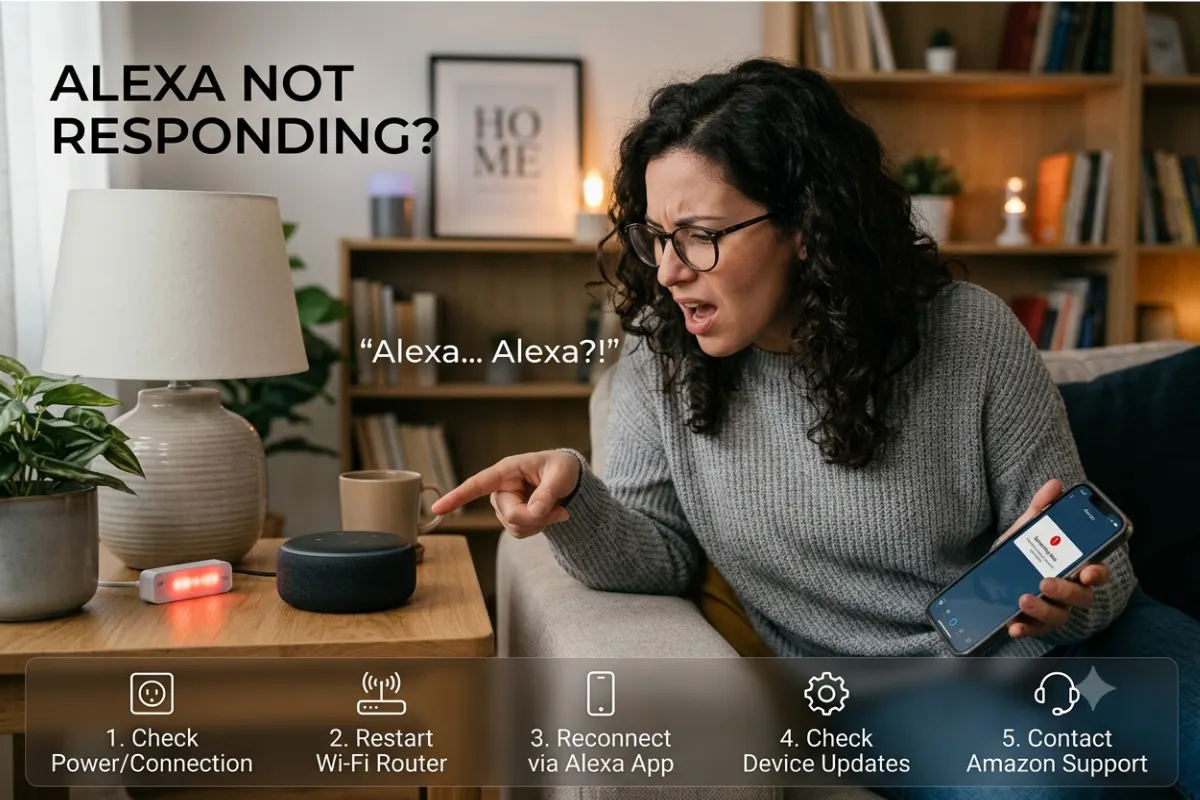
Bulb Shows Offline
This usually indicates a network problem.
Try:
- Restarting the Wi-Fi router
- Restarting the bulb
- Reconnecting through the manufacturer’s app
- Updating firmware
Delayed Responses
Slow response times may result from:
- Weak Wi-Fi
- Network congestion
- Too many connected devices
- Cloud service delays
A common fix would be to reposition your router or even invest in a mesh Wi-Fi network.
Randomly Switching On or Off
Check for:
- Conflicting schedules
- Duplicate Alexa routines
- Power fluctuations
- Shared household automations
Removing duplicate routines usually fixes unexpected behavior.
Bulb Doesn’t Change Colors
Verify that:
- The bulb supports RGB colors.
- The firmware is updated.
- Alexa recognizes the bulb model correctly.
Keep in mind that some basic smart bulbs only work with customizable white lighting.
How To Get The Most Out Of It
In order to achieve maximum performance and efficiency:
| Tip | Benefit |
| Use strong Wi-Fi coverage | Faster response |
| Keep firmware updated | Better security |
| Create Alexa groups | Easier voice control |
| Use routines | More automation |
| Buy Matter-compatible bulbs | Future-proof compatibility |
| Avoid overcrowded Wi-Fi channels | Improved stability |
Network coverage is always among the key points.
Use them in smart outdoor lighting setups.
Should You Get Alexa Light Bulbs for Your Home in 2026?
The answer is yes, if you are an ordinary homeowner. Alexa-based smart light bulbs provide a cheap opportunity to enter the world of automation in your house and enjoy the convenience of your life, from voice-operated lights to more complicated routines involving various smart gadgets.
The market has something for everyone these days. People looking to make a beginning from something small can opt for Amazon Basics or Wyze bulbs, while those interested in high-quality products can go for Philips Hue. Some good value bulbs include TP-Link Kasa, Sengled, and Govee. Matter-capable bulbs are more attractive since they can operate on any smart home system.
Conclusion
Alexa bulbs remain one of the most intelligent upgrades that you can perform on your house in 2026. They have all the features of energy-saving LED bulbs as well as voice control, remote access, scene settings, and strong automation via Amazon Alexa. The installation process is fast, the usage is easy, and controlling lights using your voice commands is convenient.
When deciding on how many rooms need to be equipped or when creating a whole connected smart house, one will definitely benefit from getting durable Alexa-compliant bulbs that have various capabilities such as tunable white, RGB colors, scheduling, and Matter compatibility. When choosing wisely, lighting will no longer be mere lighting but something much more advanced.